CURATED · UX, UI AND FRONT-END
Reference library
A selection to move beyond the first idea, build thoughtfully and review what reaches the screen.
Explore references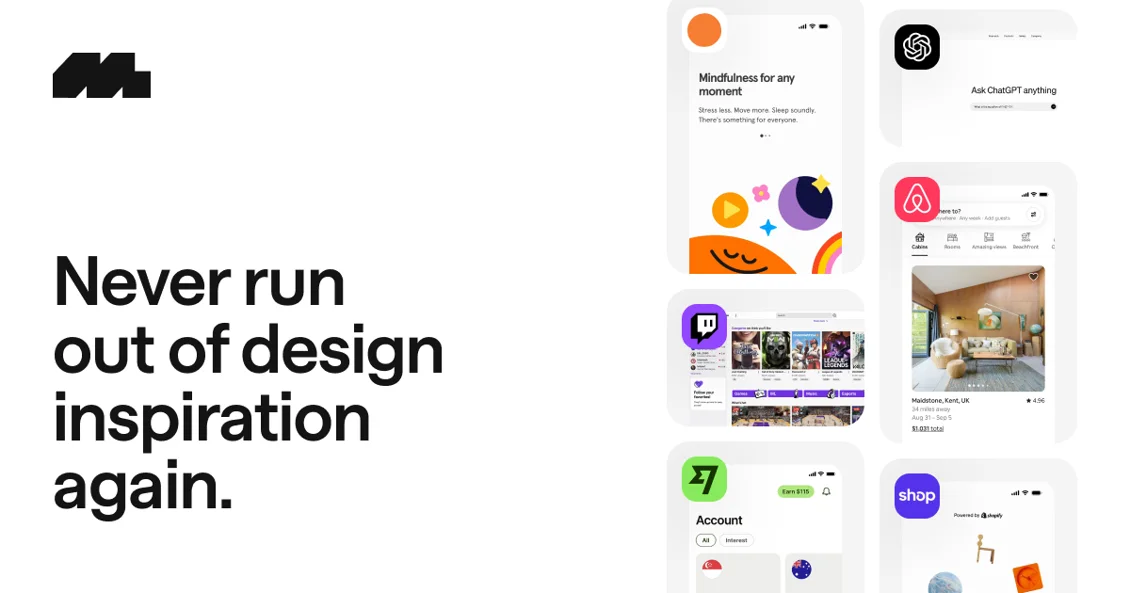
A STARTING POINT
Observe before designing.
On Mobbin, compare flows and interface decisions. Bring the principle to your project, not a ready-made screen.
Explore Mobbin →Good foundations for your next project
Sources to consult and explore. Evaluate each resource in the context of your project.
23 references found
Motion
Dissolve
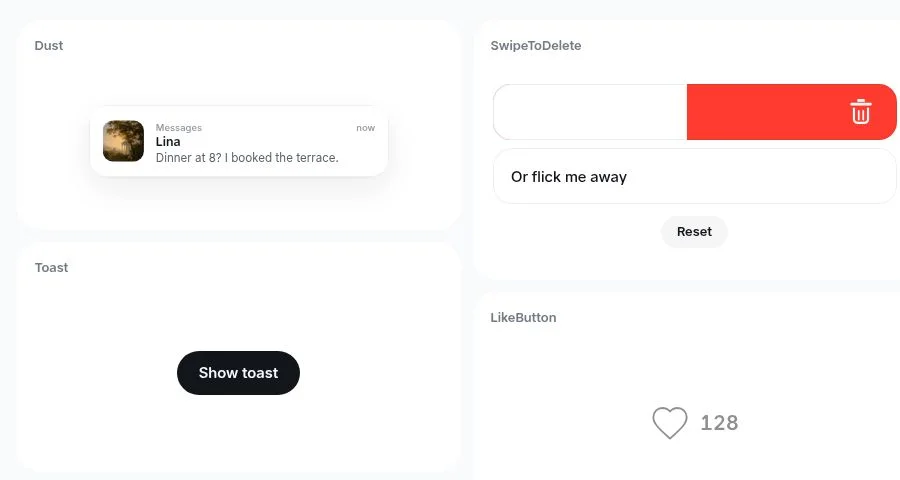
React Native microinteraction gallery for studying gestures, transitions and feedback.
dissolve.rselmi.com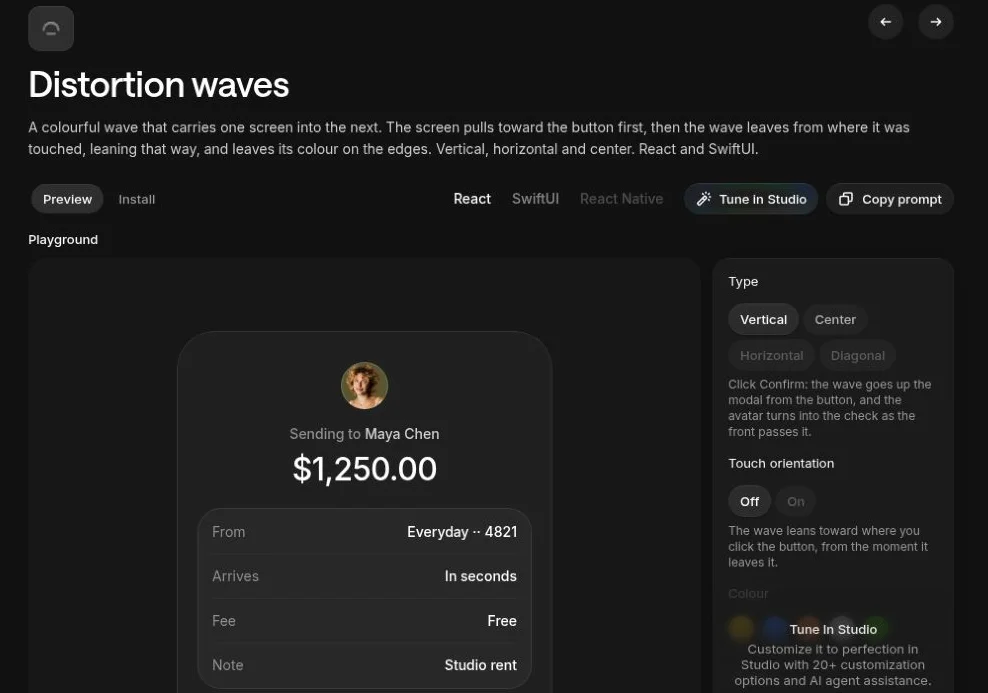
Motion
Distortion Waves
Screen transitions for React and SwiftUI. Assess context, performance and reduced motion before use.
libraries.dev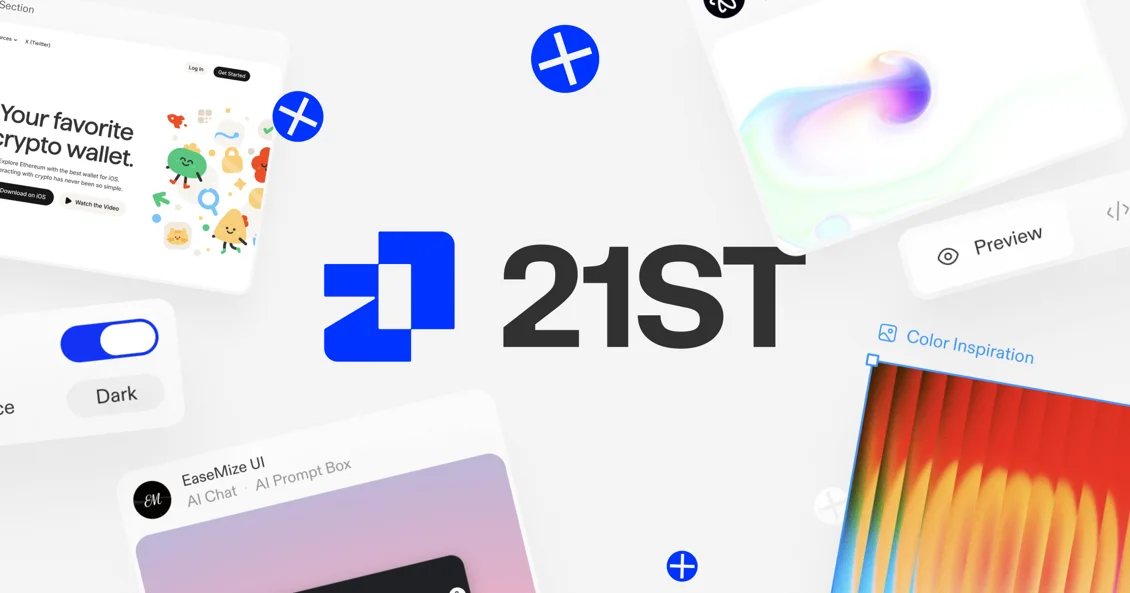
Components
21st.dev
A catalog of components and interface references. Check authorship, licensing and suitability for each resource.
21st.dev
Components
Gravity UI Icons
An icon library organized by category. Keep clear labels on essential actions.
gravity-ui.com
Components
Pictogrammers
Open icon and font collections for interfaces. Check the license of the chosen collection.
pictogrammers.comVisual inspiration
Mobbin
Product flows and screens for studying hierarchy and interface decisions. Use as a reference, not a template.
mobbin.com
Visual inspiration
CTA Gallery
Call-to-action examples to compare clarity and context, without assuming conversion results.
cta.gallery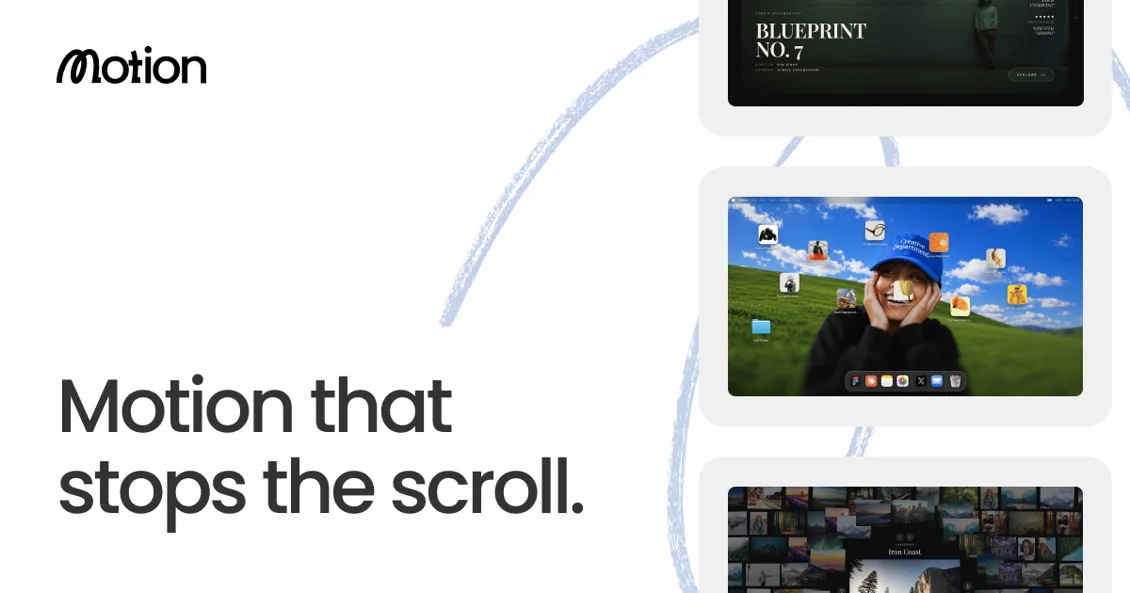
Visual inspiration
Motion in Design
Motion and interaction references for observing rhythm, feedback and intent.
motionin.design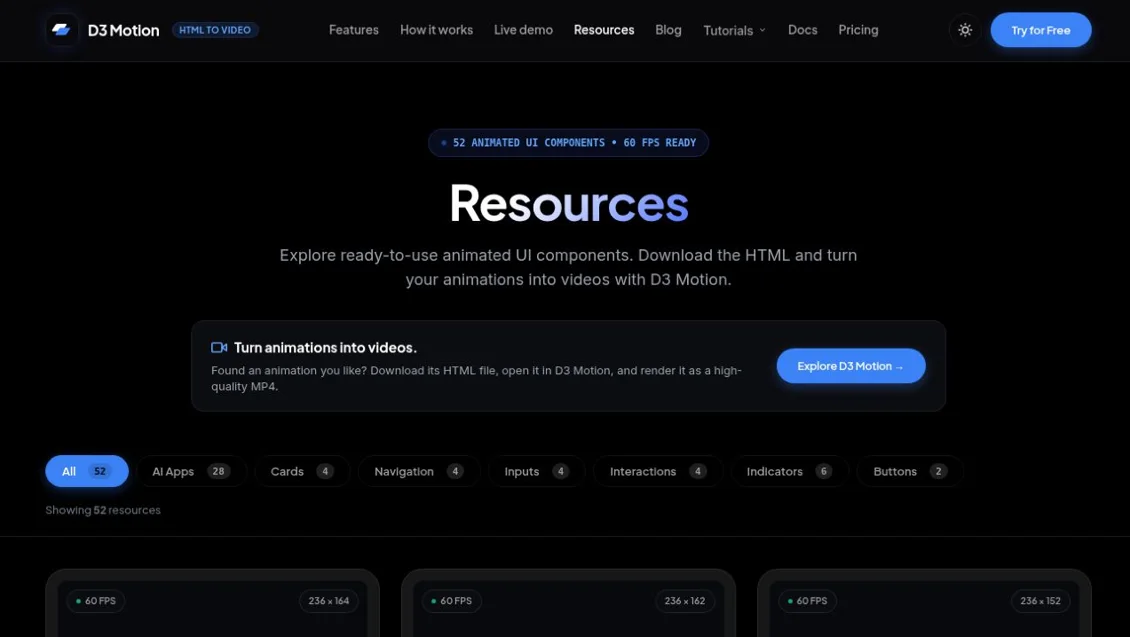
Motion
D3 Motion
Animation resources to explore. Check licensing, performance and reduced-motion alternatives.
d3motion.pro
AI and visual quality
Impeccable
Design guidance for refining interfaces with agents. Review instructions before adding them to a project.
impeccable.style
AI and visual quality
Web Design Guidelines · Vercel
Interface review guidelines in the official Vercel skills repository.
github.com
AI and visual quality
Frontend Design · Anthropic
An official skill with guidance for visual interface creation. Adapt it to the existing design system.
github.com
Components
Tailwind CSS
Utility documentation for composing styles and responsive behavior.
tailwindcss.com
Components
Lucide
A vector icon library. Keep labels and semantics on important actions.
lucide.dev
Motion
Motion
Interface animation documentation. Use motion purposefully and respect user preferences.
motion.dev
Components
Storybook
An environment for documenting and exploring components and their states in isolation.
storybook.js.org
Testing and quality
axe-core
An automated accessibility testing engine. Complements, but does not replace, manual evaluation.
github.com
Testing and quality
Playwright
Browser test automation for checking real flows, states and behavior.
playwright.dev
Components
shadcn/ui
Components for building interfaces and reviewing states without starting from scratch.
ui.shadcn.com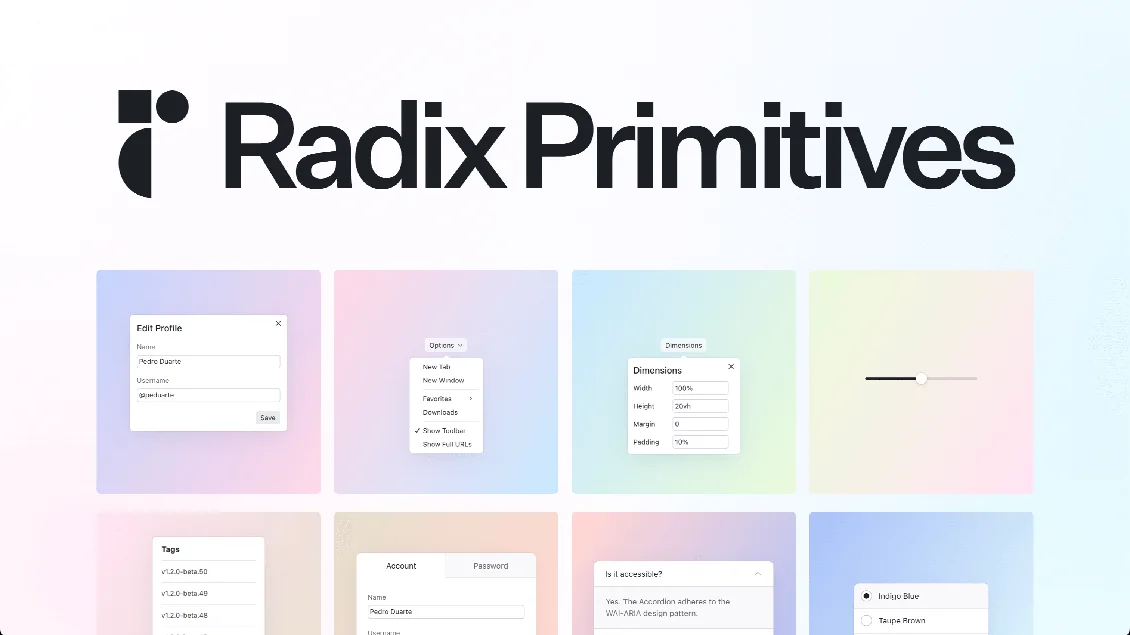
Components
Radix Primitives
Interaction patterns and primitives for building accessible components.
www.radix-ui.com
Accessibility
WAI-ARIA Authoring Practices
Keyboard, focus and semantic patterns for interactive components.
www.w3.org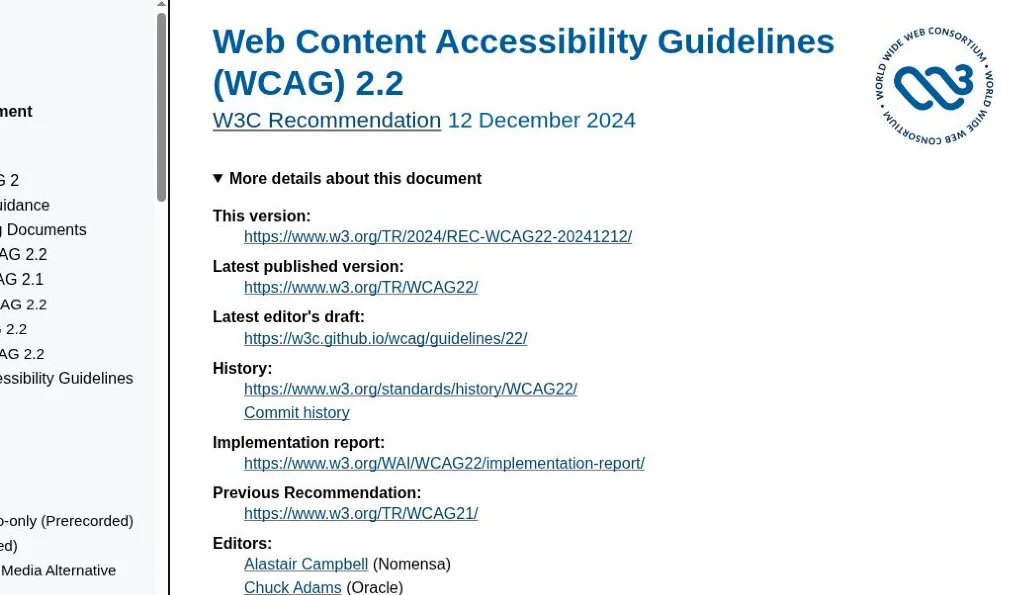
Accessibility
WCAG 2.2
Accessibility criteria for evaluating web content and interfaces.
www.w3.org
Performance
Web Vitals
Metrics for tracking loading, responsiveness and visual stability.
web.devPrompts to adapt
Eight original prompts, always in English to copy. Open one, adapt the context and review the response before implementing.
Accessible booking flow
Design a mobile-first booking flow for [audience] to reserve [service]. Use [existing components and tokens]. Show the default, loading, no availability, recoverable error, and success states. Preserve entered data on recoverable errors; make next steps explicit. Specify keyboard order and focus after validation and confirmation. Show the layout at 320 px and desktop, then list five acceptance checks.
Visual and usability audit
Review [URL or screenshots] for [primary task]. Identify the three biggest usability or hierarchy problems, citing the exact screen or element and who is affected. Look for vague calls to action, repeated containers that flatten priority, missing feedback, and inaccessible interactions. Separate issues you observed from hypotheses. For each issue, propose the smallest useful change and one way to verify it.
Compare two hero layouts
Design two hero layouts for [product], for [audience] trying to [task]. Keep the headline, copy, image, CTA, and design tokens identical; vary only layout and emphasis. Show a mobile and a desktop version of each. Explain the trade-off between them and propose one task-based test. Do not invent conversion results.
Study a reference without copying
Analyze [reference URL or screenshot] and describe the task, information hierarchy, and one interaction pattern. Extract three principles that would apply to [my product and audience]. Propose two original directions using [my design tokens and content]. Do not reproduce the reference’s layout, copy, illustrations, or branding. Flag anything you cannot verify.
Specify a component and its states
Turn [component or design] into an implementation brief for [stack]. Map it to [existing design-system components and tokens] first. Specify state changes, labels, keyboard interactions and focus behavior, content overflow, narrow layout, and reduced-motion behavior. Include examples for loading and errors where relevant. Return a component contract and testable acceptance criteria; flag unresolved decisions before coding.
Motion that explains what happened
Propose one microinteraction for [action] to make [state change] easier to understand. Describe the trigger, what moves, and which feedback stays available as text. Provide a reduced-motion version with the same information, and explain how to test both. Use [existing motion primitives] if available; do not add a dependency or autoplay effects without a reason.
Performance review on a slow device
Audit [page] for the experience on a low-end phone and slow connection. Identify likely causes of slow loading, sluggish interactions, and layout shifts. Separate what you measured from what you inferred, and specify which checks require field data. Prioritize three fixes, each with the exact element or asset, an expected qualitative impact, and a before-and-after measurement plan. Do not invent metric values.
Test the flow before shipping
Create a test plan for [key task] in [app]. Cover the successful flow, empty results, slow response, a recoverable server error, and keyboard-only use where applicable. For each scenario, state the starting context, steps, and a user-visible outcome. Use isolated test data and accessible locators if proposing Playwright. Say which checks need a person or screen reader instead of automation. Do not run against production or submit real data.